Connecting an intercom to a door opener – common mistakes and how to avoid them
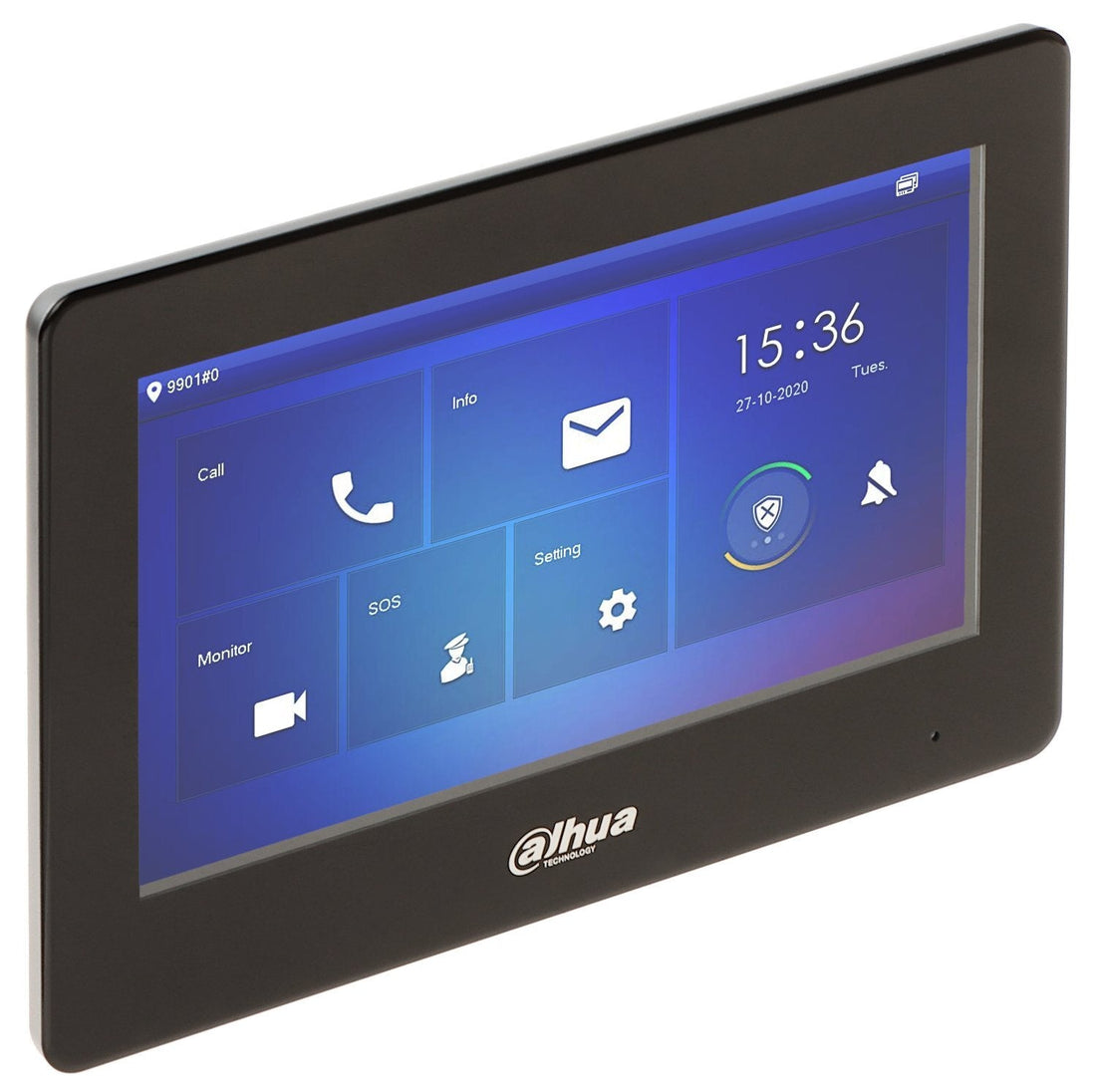
An intercom with a door opener offers convenience and security, but installation goes wrong more often than you think. Incorrect wiring, missing relays, or unsuitable power supplies can prevent the door from opening—or even leave it open. In this article, we explain how to correctly connect an intercom to an electromagnetic lock or deadbolt. We'll use the popular Hikvision systems in combination with YLI locks as an example .
1. How does an intercom with door opener work?
An intercom system (such as the Hikvision DS-KH6320 or DS-KD8003) has a built-in relay or external module to control the door opener. You connect the lock's + and - terminals to a switching contact that briefly supplies power when you press "open" on the internal unit or via the app.
Note: Some intercoms switch a relay but don't provide power. You'll then need a separate power supply for the lock.
2. Which locks can you use?
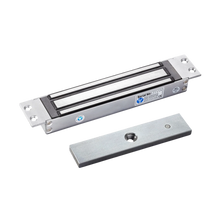
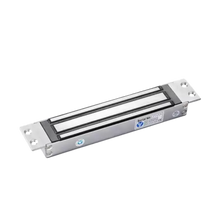
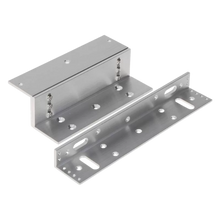
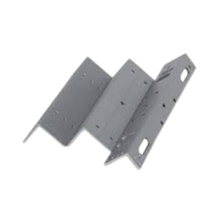
YLI magnetic locks (fail-safe)
-
Unlock in case of power failure
-
Safe at escape routes
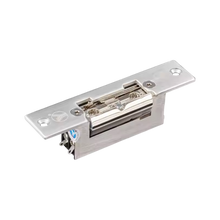
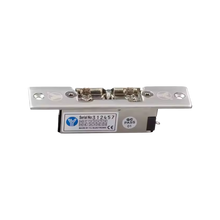
Electric night locks (fail-secure)
-
Remain closed during power outages
-
More suitable for exterior doors
Pay attention to the lock's current consumption (typically 400–600mA at 12V). Always use a power supply with sufficient power.
3. Basic wiring: how to connect it
| Component | Connection |
|---|---|
| Intercompost | NO/COM relay output |
| Castle | +12V via relay, - direct to power supply |
| Power supply | 12V DC, minimum 1A |
Step by step:
-
Connect NO (Normally Open) and COM of the intercom relay to the + of the lock
-
Connect the – of the lock directly to the – of the power supply
-
Connect the + of the power supply to COM (or via additional relay for higher current)
-
Test via the internal station or app whether the door opens
Use a diode or quench diode in parallel across the lock to absorb voltage peaks when switching off.
4. Common mistakes
| Wrong | Consequence | Solution |
| Lock does not close properly | Not enough power | Use power supply with 1–2A margin |
| Door remains open | Wrong relay used | Use NO/COM, no NC for fail-safe lock |
| Intercom does not switch anything | No separate power supply | Check if the intercom is supplying power itself |
| Castle gets warm | Continuous tension | Use time relay or short pulse contact |
5. Alternative: use of external relay module
For higher currents (>1A) or multiple doors, use a separate relay module (e.g. Hikvision DS-K2M060).
Advantages:
-
Separate power supply per door
-
Shorter wiring between lock and relay
-
Safer separation between control and power flow
6. UMATECH product advice
We supply:
-
Hikvision indoor and outdoor stations
-
Electromagnetic locks from YLI
-
12V power supplies, relay modules, cables and glands
-
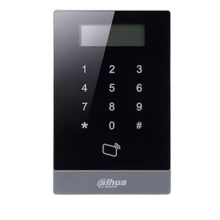
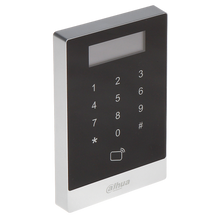
Access readers and switch cabinets
We can also supply switch cabinets ready-made with power supply, relays and cable management.
UMATECH – open your door without worries.